
Promoting collaboration and teamwork in open-source projects starts with establishing clear communication channels, defining contributor roles, and celebrating every contribution, from code commits to documentation improvements. The most successful projects in 2026 treat collaboration as an intentional practice, not a happy accident, building inclusive environments where student developers, technical writers, designers, and community managers all see their work valued equally.
Open-source collaboration thrives when barriers to entry drop and recognition flows freely. Academic projects that implement structured onboarding processes, maintain accessible documentation, and host regular synchronous meetings report contributor retention rates 60% higher than those relying solely on asynchronous GitHub interactions. The difference lies in treating teamwork as a skill worth teaching, not assuming contributors already know how to navigate complex multi-stakeholder projects.
The strategies ahead draw from real student-led initiatives across university computing programs, hackathons, and research labs. You’ll find actionable approaches that work whether your team numbers five undergraduates working on a class assignment or fifty global contributors maintaining a library used by thousands. Each tactic addresses a specific friction point: unclear expectations, unequal contribution visibility, knowledge silos, or the isolation remote contributors often experience.
What separates thriving collaborative projects from stalled repositories isn’t technical sophistication. It’s the intentional creation of spaces where questions feel welcome, mistakes become learning opportunities, and every team member understands how their work connects to the larger mission.
Why Strong Collaboration Matters in Open Source Development
Academic open-source projects thrive on collective effort, but bringing together students, educators, and industry contributors presents distinct challenges. Contributors work across different schedules, skill levels, and motivations. Some team members code in Python while others specialize in documentation or user experience. Geographic separation and varying degrees of technical expertise can fragment efforts, leaving projects stalled or inconsistently maintained.
When collaboration works well, however, the payoff is substantial. Teamwork accelerates innovation by combining diverse perspectives and specialized knowledge that no single contributor possesses. A computer science student might build core functionality while a design student refines the interface and a communications major crafts user documentation. This cross-pollination produces more complete, usable software than isolated individual efforts.
Beyond the code itself, collaborative projects create professional networks that extend into industry careers. Students working alongside experienced developers gain mentorship and references. They learn how professional teams communicate, resolve conflicts, and make technical decisions together. These experiences translate directly to workplace readiness in ways that solo coursework cannot replicate.
The strategies outlined ahead reflect this reality. Each approach has proven effective in educational and professional open-source environments. They accommodate contributors at different skill levels, from first-time participants to seasoned developers. Most importantly, they are actionable, meaning you can implement them in your next sprint or semester without restructuring your entire project.
1. Establish Clear Communication Channels Early
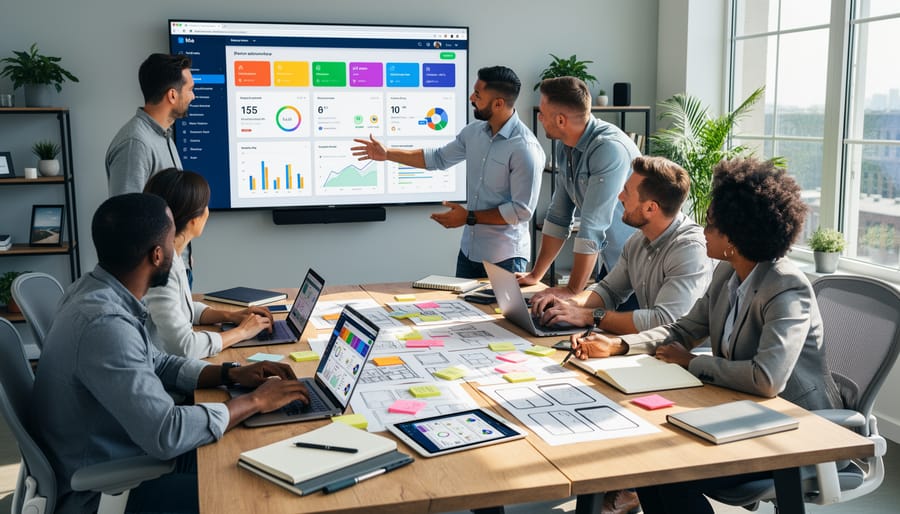
Setting up dedicated communication platforms before your first line of code prevents the chaos that derails many open-source projects. A well-structured Slack workspace, Discord server, or Matrix instance organizes conversations by topic, feature development in one channel, bug reports in another, documentation discussions elsewhere. This structure prevents important decisions from getting lost in endless general chat threads and gives new contributors clear entry points instead of overwhelming them with scattered conversations.
A computer science team at the University of Toronto experienced this transformation firsthand when they launched a climate data visualization tool. Initially, the five core students used a single group chat for everything, which quickly became unmanageable as they added contributors from environmental science and design programs. After switching to Discord with separate channels for frontend, backend, data processing, and design feedback, they onboarded eight new contributors in their next semester, more than doubling their previous growth. New members could lurk in relevant channels, understand ongoing work, and jump in when they spotted ways to contribute.
Clear channels also establish norms early. A dedicated welcome channel with pinned onboarding resources signals that you value new voices. Separate channels for async updates versus real-time problem-solving respect different working styles and time zones. When combined with strong documentation and inclusive practices found across many university open-source examples structured communication becomes the foundation for genuine collaboration rather than a bottleneck controlled by a few insiders.
2. Create Welcoming Documentation for All Skill Levels
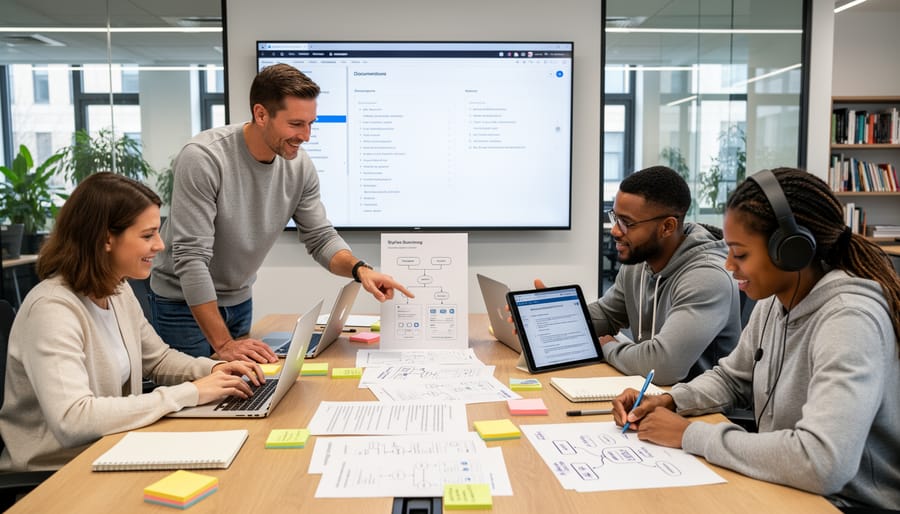
Documentation acts as your project’s front door, when it’s clear and welcoming, people walk in; when it’s confusing or intimidating, they turn away. Comprehensive documentation isn’t just helpful, it’s foundational for promoting collaboration and fostering teamwork across diverse contributors.
Start with a README that speaks to humans first, not just experienced developers. Explain what your project does in plain language, why it matters, and how someone can get started in under five minutes. Your contribution guide should map the entire journey from “I want to help” to “I just merged my first pull request,” including setup instructions that assume no prior knowledge and common troubleshooting steps that prevent newcomers from getting stuck alone.
Every collaborative project needs these core documentation pieces:
- README that explains purpose, quick start, and where to get help
- Contribution workflow showing step-by-step how to submit changes
- Code standards or style guides with examples of good practices
- Communication norms outlining how and where the team interacts
- Recognition system acknowledging all types of contributions
A student team at the University of Waterloo transformed their educational gaming platform by rewriting documentation with accessibility in mind. They added visual diagrams of the contribution workflow, created role-specific guides for designers and content creators, and included a “ways to contribute” page that listed non-code opportunities like user testing and documentation editing. Within two months, their contributor base grew from eight computer science students to twenty-three participants spanning four different faculties, including communications and design students who had never touched code before but brought invaluable perspectives on user experience and educational content.
3. Host Regular Virtual and In-Person Collaboration Sessions

Real-time collaboration sessions create momentum that asynchronous communication cannot match. When team members work simultaneously, whether across continents or in the same room, they solve problems faster and build stronger relationships.
Pair programming sessions let contributors tackle complex features together through screen sharing. One person writes code while the other reviews, catches errors, and suggests improvements. This practice transfers knowledge organically and prevents isolation. For beginners working on the best projects for beginners pairing with experienced developers accelerates learning dramatically.
Virtual co-working hours establish dedicated times when team members log into a shared video channel to work alongside each other. These sessions recreate the energy of a shared workspace. Contributors can ask quick questions, celebrate small wins, and maintain accountability without formal meetings. Many university open-source programs schedule weekly co-working blocks across time zones, ensuring overlap for distributed teams.
Hackathons and sprint events compress collaboration into intensive periods. University residency programs bring distributed contributors together for weekend or week-long sessions, combining coding marathons with social activities. The University of Alberta’s annual open-source hackathon connects students with industry mentors, resulting in feature launches that might otherwise take months.
Hybrid strategies matter for 2026 learning environments. Effective projects combine synchronous sessions with robust asynchronous workflows. Record pair programming sessions for absent contributors. Share sprint outcomes through detailed updates. Balance real-time collaboration with flexibility for students managing coursework, internships, and projects across different schedules.
4. Implement Mentorship and Peer Review Systems

Structured mentorship transforms casual contributors into confident team members while building lasting professional relationships. Pairing experienced open-source developers with newcomers creates a safe learning environment where questions are expected and mistakes become teaching moments rather than barriers to participation.
Effective mentorship systems assign specific mentor-mentee relationships for defined periods, typically three to six months. The mentor provides guidance on technical decisions, navigates project architecture, and introduces the mentee to community norms and collaboration workflows. This one-on-one support accelerates skill development far beyond what solo documentation reading achieves.
Peer code reviews amplify this effect across the entire team. When contributors regularly review each other’s work, they gain exposure to different coding approaches, learn domain-specific patterns, and develop critical evaluation skills. A computer science team at the University of Waterloo implemented mandatory peer reviews for all pull requests, with each submission requiring approval from both a senior contributor and a peer at the same experience level. Within one semester, the project saw measurably improved code quality, but more importantly, team members reported feeling more connected to the project and confident in their contributions.
This mentorship model directly mirrors industry practices at major tech companies, giving students realistic preparation for professional software development. Contributors learn not just how to write code, but how to communicate technical decisions, accept feedback gracefully, and collaborate across different skill levels, competencies that distinguish exceptional developers from merely competent ones.
5. Use Project Management Tools That Show Collective Progress
Transparent project management tools transform how distributed open-source teams promote collaboration and teamwork. Platforms like GitHub Projects, GitLab boards, and open-source alternatives such as Taiga or Plane provide visual dashboards that turn invisible work into shared progress everyone can see and celebrate.
These tools help distributed teams stay aligned by showing who’s working on what, identifying blockers before they stall development, and preventing duplicate efforts. When contributors across time zones can check a board to see task status, they make informed decisions about where to invest their time without waiting for someone else to wake up. This visibility builds trust and accountability, two foundations of effective teamwork.
At Simon Fraser University, a student team building an educational accessibility platform struggled with coordination. Contributors worked in isolation, often duplicating efforts or leaving gaps in coverage. After implementing GitLab’s issue boards with clear swim lanes for design, development, testing, and documentation, their velocity doubled within three weeks. New contributors could instantly identify projects to contribute to without lengthy onboarding conversations.
The team lead credited visual task tracking with keeping everyone motivated. Watching cards move from “in progress” to “completed” created tangible momentum. Team members started commenting on each other’s work, offering help when cards stalled, and celebrating wins together in their Slack channel linked to board updates.
6. Celebrate Contributions Beyond Code
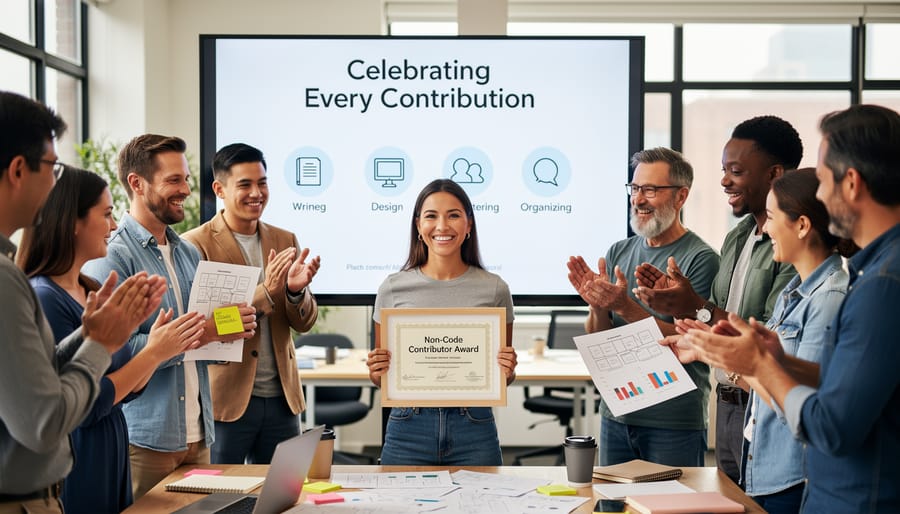
Open-source projects thrive when every contribution gets recognized, not just code commits. Too many teams inadvertently exclude talented contributors by focusing recognition solely on developers, yet documentation writers, UI/UX designers, community managers, and testers all play crucial roles in project success. When you celebrate diverse contributions openly, you signal that teamwork means more than programming skill.
Consider these valuable non-code contributions that deserve equal recognition:
- Documentation improvements that make projects accessible to newcomers
- Design assets including logos, wireframes, and interface mockups
- User testing and bug reports that identify real-world issues
- Community moderation that maintains welcoming spaces
- Accessibility audits ensuring inclusive experiences
- Translation work expanding project reach
- Event organizing that brings contributors together
Ryerson University’s contributor spotlight program exemplifies inclusive recognition. Each month, they feature team members across all contribution types in project README files and social channels. One spotlight highlighted a communications student whose documentation rewrite increased new contributor onboarding by 40 percent. Another celebrated a design student whose accessibility improvements made the interface usable for screen reader users.
These cross-disciplinary collaborations strengthen when recognition practices match the reality that building software requires diverse skills. Public acknowledgment in release notes, contributor walls, and team meetings validates that everyone’s work matters equally, transforming collaboration from code-centric to truly team-oriented.
7. Design Micro-Tasks for Easy First Contributions
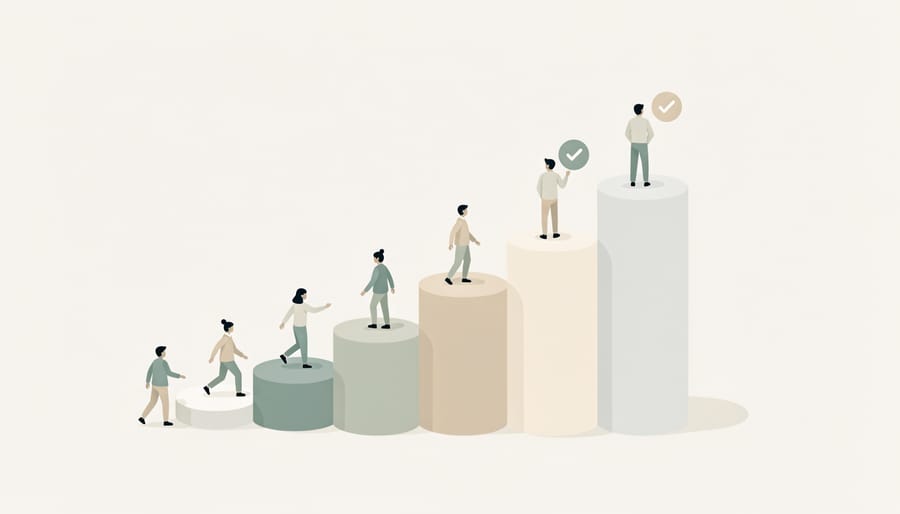
Breaking complex features into bite-sized tasks removes the intimidation factor that stops many potential contributors from taking their first step. The ‘good first issue’ labeling strategy works because it explicitly signals which tasks suit newcomers, turning an overwhelming codebase into approachable entry points that promote collaboration and teamwork from day one.
Label issues with clear descriptions of what needs doing, the expected outcome, and where to find relevant code. For example, the Maple Framework project at University of Waterloo saw contributor numbers triple after creating twenty micro-tasks like “Add error message for invalid email format” or “Update installation instructions for Windows users.” Each task took under two hours but gave newcomers a concrete win and familiarity with the development workflow.
Effective micro-tasks share specific traits: they’re genuinely achievable in a single session, they don’t require deep system knowledge, and completing them produces visible results. Documentation updates, adding test cases for existing functions, improving error messages, or creating example configurations all work well. The key is ensuring new contributors can see their impact immediately, which builds the confidence to tackle more challenging work.
Among Canadian projects to watch several maintain active “starter task” queues specifically for onboarding. McGill’s DataViz toolkit reserves 15% of their backlog for these gateway contributions, creating a steady pipeline where first-time contributors often become core team members within months. This intentional scaffolding transforms curiosity into sustained participation.
8. Foster Cross-Disciplinary Collaboration Opportunities

Open-source projects thrive when contributors bring varied expertise, not just programming skills. Pairing computer science students with peers from design, business, communications, or other disciplines transforms software development from a purely technical exercise into a holistic problem-solving effort. These cross-disciplinary collaborations mirror real-world industry teams and produce more user-centered, market-ready solutions.
At the University of British Columbia, a student-led healthcare app project exemplifies this approach. Computer science students built the core platform, but design students conducted user research and created accessible interfaces, while business students validated the market need and developed sustainability models. The result was a functioning prototype that secured external funding, something unlikely had the team remained technically homogeneous.
Diverse perspectives challenge assumptions and surface blind spots. A developer might prioritize efficiency, while a communications student ensures messaging resonates with non-technical users. Business students identify monetization paths or partnership opportunities that sustain projects beyond academic semesters.
Structured collaboration beats accidental overlap. Establish shared goals early, define each discipline’s role, and create workflows that value non-code contributions equally. Regular cross-functional meetings where each specialty presents progress builds mutual understanding and prevents silos.
Universities can facilitate these partnerships through interdisciplinary courses, capstone programs that blend departments, or innovation labs where students from any faculty tackle shared challenges. Industry partners benefit too, sponsoring mixed teams gives companies access to well-rounded talent and fresh approaches.
When you actively recruit beyond your immediate discipline, you don’t just fill skills gaps. You build teams that reflect actual user diversity, anticipate broader market needs, and deliver projects with genuine real-world impact.
Common Questions About Building Collaborative Teams
How do you handle time zone differences in distributed teams?
Record all synchronous meetings and maintain detailed notes so contributors can stay informed regardless of when they work. Establish core overlap hours once or twice weekly for critical discussions, and rely on asynchronous communication tools like discussion threads and project boards for routine updates. Rotating meeting times periodically ensures no single group consistently bears the burden of inconvenient scheduling.
What if team members have conflicting visions for the project direction?
Document the project’s core mission and objectives early to provide a reference point for decisions. When conflicts arise, facilitate open discussion where each perspective is heard, then look for compromise solutions or pilot approaches that test competing ideas on a small scale. Having a designated maintainer or small leadership committee with final decision authority prevents endless debates while still valuing input.
How do you maintain momentum after the initial excitement fades?
Break the roadmap into milestone releases with tangible deliverables that give contributors a sense of progress and completion. Celebrate each achievement publicly, share user testimonials when available, and refresh interest by introducing new challenges or features that align with contributors’ evolving skills. Regular check-ins and visible appreciation for ongoing work prevent burnout and remind team members why the project matters.
How can educators assess collaborative contributions fairly?
Track individual contributions through version control commit history, pull request participation, code reviews, documentation updates, and meeting attendance. Consider creating rubrics that value diverse contribution types, design work, testing, community management, rather than code volume alone. Student self-reflections and peer evaluations provide additional context about who facilitated discussions, mentored teammates, or solved blockers that aren’t visible in repository metrics.
These questions surface repeatedly in academic open-source environments because collaboration presents genuine challenges that don’t have single perfect solutions. The answers work best when teams adapt them to their specific context, whether that’s a semester-long class project or a multi-year research initiative. Transparent communication about how decisions get made and contributions get recognized prevents most collaboration problems before they escalate.
Building thriving open-source communities doesn’t happen by accident. The eight strategies outlined here, from establishing clear communication channels to celebrating contributions beyond code, provide a practical roadmap for promoting collaboration and teamwork in academic and professional projects. When you implement these approaches intentionally, you create environments where students learn real-world skills, educators connect theory to practice, and industry professionals discover fresh talent and ideas.
The most successful open-source projects recognize that collaboration is both a technical and human challenge. Strong teams emerge when you welcome diverse skill levels, maintain transparent workflows, and design opportunities for meaningful participation at every stage. These practices transform isolated contributors into connected communities, turning individual efforts into collective achievements that outlast any single semester or development cycle.
Canadian universities and colleges already offer rich Promotion and Collaboration Opportunities through open-source initiatives, residencies, and cross-institutional partnerships. Whether you’re a student joining your first project, an educator guiding a team, or a professional mentoring newcomers, you have the power to shape more inclusive and effective collaborative spaces.
Start small. Choose one strategy from this list, perhaps improving your project’s documentation or creating your first “good first issue”, and implement it this week. That single step will strengthen teamwork and open doors for contributors who might otherwise walk past your project.